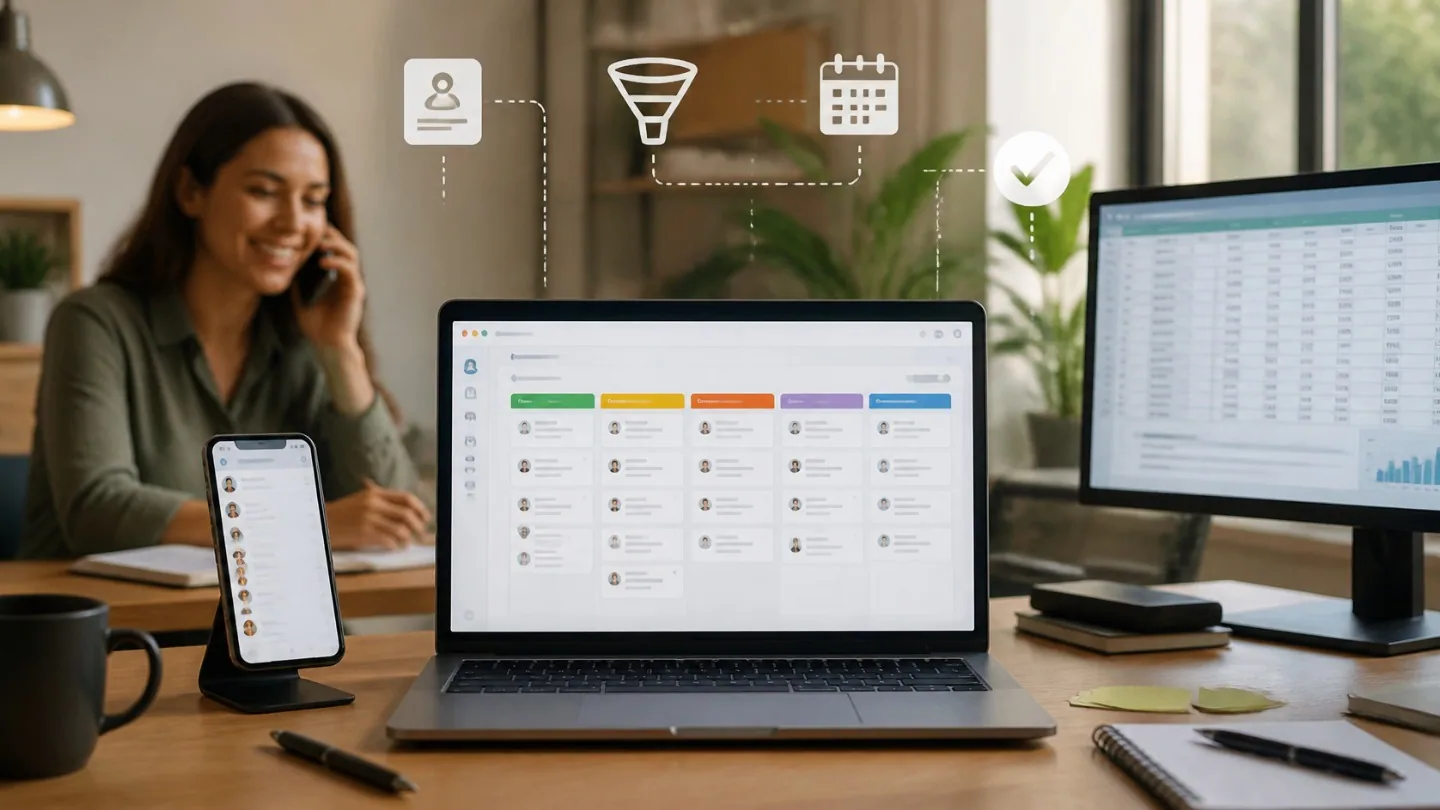
The question
We keep our customers and quotes in an Excel file and in emails. Do we need a CRM and, if so, should we choose an off-the-shelf one or one built to our needs?
Many small companies start with a spreadsheet, an inbox and the memory of their sales people. It works for a while, until enquiries arrive through several channels, several colleagues work with the same customers, or someone leaves the company and the history of the conversations leaves with them.
A CRM (Customer Relationship Management) is, in short, the place where you keep customers, your conversations with them, quotes and next steps. The useful question is not “which CRM is the best”, but which problem you want to solve and which option solves it with the least effort for your team.
Below you will find the signs that you need a CRM, the three main options, the criteria for choosing and what is worth preparing before you start.
If you want us to handle this for you, see our service Custom CRM or our service Existing CRM setup.
Signs that the spreadsheet is no longer enough
A well-kept spreadsheet can be enough for one person working with a small number of customers. Problems appear when the data has to be shared between people and when what comes next matters, not just what has happened. If you recognise several of the situations below, it is worth considering a CRM:
- Enquiries come in through the website form, by email, by phone and on WhatsApp, and some get lost between them.
- You are not sure which quote a customer received, when, and who should get back to them.
- Two colleagues work in the same sheet and overwrite each other’s changes, or each keeps their own version.
- A customer’s history sits in the inbox of a single employee.
- The sales report is compiled by hand at the end of the month and takes hours.
- Following up after a quote depends on how busy someone happened to be that week.
The three options at a glance
There is no single correct option for everyone. Each has its place, depending on how specific your sales process is and how much time your team can devote to setup and administration.
- The organised spreadsheet: a single shared list, with fixed columns for stage, owner and the date of the next step. Suitable at the start, for a small team and a simple process, but without real reminders, without an easy-to-follow change history and without automatic links to email or forms.
- Off-the-shelf CRM (for example HubSpot, Pipedrive, Zoho or others): a subscription service with sales stages, customer records, tasks and reports already built. You start quickly and have integrations available, but you work within the platform’s logic, and some features may depend on the plan you choose.
- Custom-built CRM: an application made around the real steps of your sales, with exactly the fields, stages and documents you need. It suits unusual processes or ones closely tied to other internal software, but it requires a development project and long-term maintenance.

When each option fits
An off-the-shelf CRM is usually the reasonable first step for a company with a classic sales process: enquiry, quote, negotiation, contract. Most platforms cover this path well, and the main effort is configuring it correctly and getting the team used to it.
A custom CRM makes sense when the process has stages that do not fit a template, for example a technical visit with its own documents between quote and contract, complicated assignment rules, or a close link to an internal production, stock or scheduling system. It also makes sense when you have tried an off-the-shelf CRM and the team avoids it because it asks them to work differently from how they actually work.
The spreadsheet remains an honest solution for getting started or for a trial period. If you use it, treat it like a simple CRM: a single shared sheet, clear rules for filling it in and one person who keeps it in order. That way, moving to a CRM later will be much easier.
There is also a common situation that does not call for a new CRM: you already have one, but it is only half used, with duplicate contacts and stages that no longer reflect reality. In that case, cleaning up and reconfiguring the existing one is usually more useful than switching platforms.
The criteria for choosing
Compare the options against your specific situation, not against the feature list on the vendor’s website. Most CRMs have more features than a small company will ever use; what matters is whether they have the ones you need day to day.
- Your sales process: how many stages it has, which documents appear in each and who carries out each step.
- The number of users, now and in a year or two, because many subscriptions are priced per user.
- The channels enquiries come from and whether integrations exist for them: the website form, email, phone, WhatsApp, ads.
- The link with the software you already use: invoicing, inventory management, calendar, quoting software.
- Ease of use on a phone, if your sales people are often in the field.
- Data export: can you take your customers, history and documents with you at any time in a usable format?
- Where the data is stored and the vendor’s terms on personal data protection.
- Who administers the system within the company after the initial setup.

What the cost consists of, for each option
The prices of off-the-shelf CRMs and the contents of their plans change often, so check the current price list directly with the vendor and compare the cost over the same period and for the same number of users.
With an off-the-shelf CRM, the cost includes the subscription per user and per plan, any modules or integrations paid for separately, setup time and data import. With a custom CRM, the cost includes design and development, hosting, maintenance and later changes. Both options also involve the team’s time for training and for getting used to the new way of working, a cost that is forgotten most often.
The most expensive option is usually the one the team does not use: the subscription keeps being paid, while the real data still ends up in parallel spreadsheets.
What to prepare before choosing
Whichever option you choose, a few things prepared in advance shorten the implementation considerably and help you compare quotes or platforms fairly:
- Map out the real steps a customer goes through, from first contact to contract and beyond.
- Note what information you need at each step and who fills it in.
- Gather the existing customer lists in one place and remove the obvious duplicates.
- Decide which reports you want to see every week: new enquiries, quotes sent, quotes won, reasons for losing.
- Choose a person in the company who is responsible for the CRM and for the accuracy of the data.
- Clarify, together with whoever handles data protection in the company, which personal data of customers you keep and on what legal basis.
Team adoption matters more than the platform
A CRM is only useful if it is filled in. Most failed implementations do not have a technical problem, but one of habit: people carry on working as before, and the CRM is left with outdated data.
Start with a few mandatory fields and with the stages the team recognises immediately. Automate what can be automated, for example capturing enquiries from the form or a reminder when a quote has had no reply, so that the CRM saves time from the first week instead of merely asking for extra data entry.
Set a simple rule: what is not in the CRM does not exist. Review the structure after the first weeks of use and drop the fields that nobody fills in.
