The question
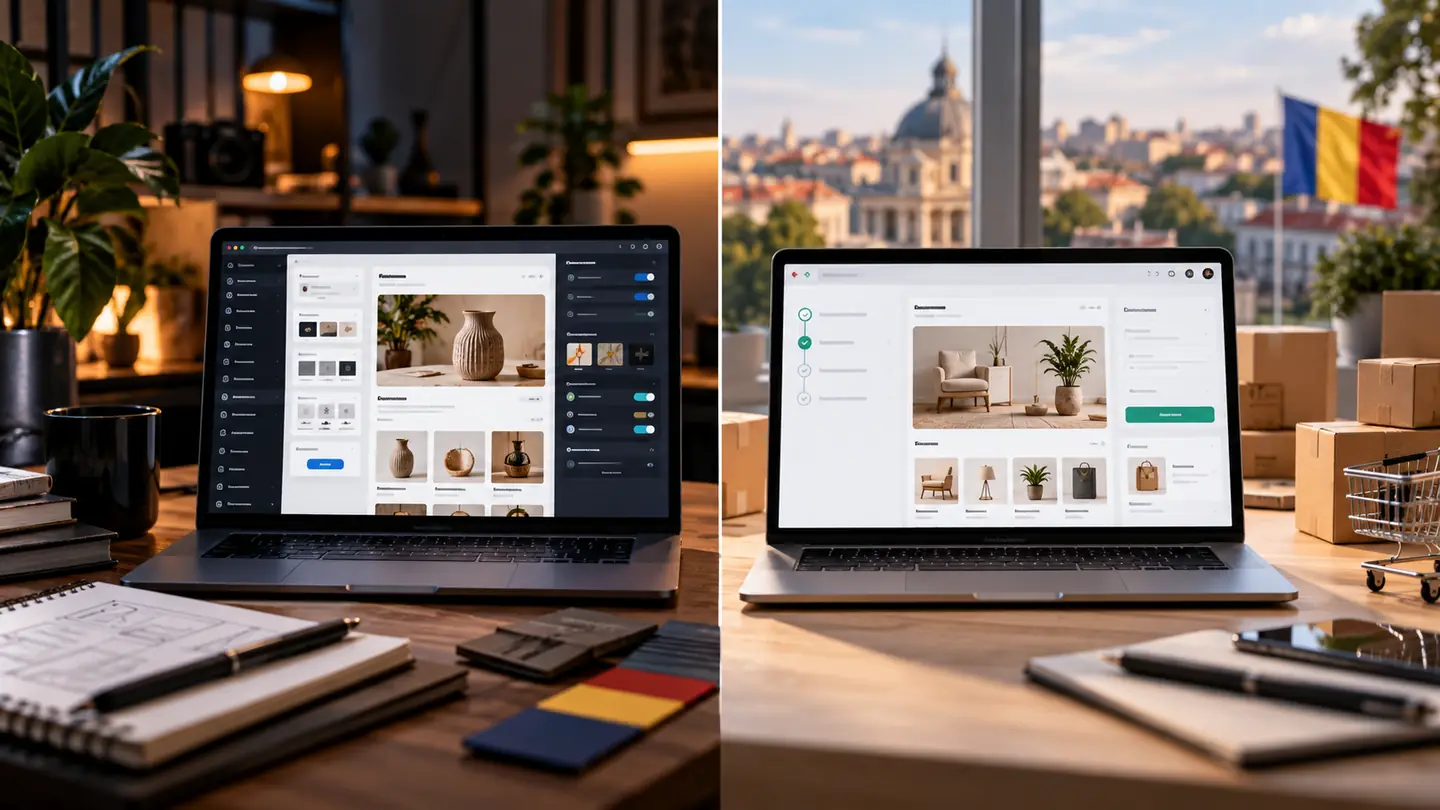
I want to sell online in Romania. Which platform should I build my store on: WooCommerce or Shopify?
Both platforms can support a serious store. The difference is not about “which is better”, but about who handles the technical side, how much control you want over the store and how easily it connects to the couriers, payment processors and invoicing software you already use.
Below you will find the criteria we discuss with clients before choosing, plus a list of questions worth answering before you sign a quote.
If you want us to handle this for you, see our service WooCommerce / PrestaShop online shop or our service Platform migration.
The fundamental difference: hosted platform or software on your own server
Shopify is a hosted service (SaaS): you pay a subscription, and Shopify takes care of the server, updates and platform security. You manage products, orders and the store’s look from their dashboard.
WooCommerce is a free plugin for WordPress, installed on hosting of your choice. You have full control over the code, data and server, but also the responsibility for updates, backups and security — either directly or through a maintenance contract.
- Shopify: you get started quickly and have fewer technical worries, but you work within the limits of the platform and the apps in its marketplace.
- WooCommerce: high flexibility and data under your control, with a real need for regular maintenance.
What the costs are made up of for each option
Don’t compare just the starting price. Compare the total cost over one or two years, for the same features. Platform and app pricing changes, so always check the current price list directly with the provider.
- Shopify: the monthly subscription for the chosen plan, paid apps from the marketplace, possibly a premium theme and, depending on the plan and payment processor, additional transaction fees.
- WooCommerce: domain, hosting, any themes and plugins with annual licences, maintenance (updates, backups, monitoring) and development work when you need something specific.
- Both: payment processor fees, courier costs and the invoicing software subscription.
Local integrations: couriers, payments and invoicing
For a store in Romania, local integrations often weigh more than the platform itself. For each service you use or want to use, check whether there is an active, maintained integration on the chosen platform, who maintains it and what exactly it does (for example, whether it only generates the AWB or also updates the order status).
- The couriers you work with: AWB generation, rate calculation, parcel tracking.
- The card payment processor and, if applicable, instalment payments or cash on delivery.
- The invoicing software (for example SmartBill or Oblio) and its connection to RO e-Factura.
- The inventory management software or ERP, if stock is kept elsewhere.
- The marketplaces you also sell on, if you want centralised stock and orders.
Control, flexibility and platform dependence
If you have unusual pricing rules, product configurators, B2B flows or integrations with an internal program, WooCommerce lets you build exactly what you need, including through custom-developed plugins. On Shopify, many things are solved through apps, but some requirements hit the platform’s limits.
Think about leaving, too: how easily you can export your products, customers and order history if you want to change platforms in a few years. A migration can be done in either direction, but it requires planning, especially for URLs and SEO.
Day-to-day administration and maintenance
The admin dashboard matters for the person who will work in the store every day. Try both options with real tasks: add a product with variants, change a price, process an order, issue a return.
On WooCommerce, WordPress, theme and plugin updates must be done regularly and tested, ideally on a staging copy. If ignored, they become the most common cause of security problems and post-update errors.
SEO and store speed
Both platforms can have a well-indexed, fast store, and both can have a slow one that is hard to find. The result depends more on the theme, the number of apps or plugins, the images and the category structure than on the platform’s name.
Ask for product and category URLs, titles, meta descriptions, the sitemap and redirects to be configured from the start, and check mobile speed before launch.
Questions for the decision
Answer the questions below honestly; the choice usually becomes obvious.
- Who will manage the store day to day, and how comfortable are they with the technical side?
- Do you need special features (pricing rules, B2B, a configurator, integration with an internal program)?
- Are there maintained integrations for the couriers, payments and invoicing you use?
- Who handles updates, backups and monitoring, and who pays for it?
- How much does it all cost over two years, not just in the first month?
- How easily can you take your data with you if you want to leave the platform?