
A plumbing and heating company in one city
Ads for searches such as “boiler repair” in the areas served, running only during the hours when someone answers the phone. Every call and form is counted separately.
Ads in Google search results, shown to people who are already looking for your service or product.
We set the price once we understand your requirements.
When someone types “plumber Cluj” or “accountant for a new company” into Google, they already know what they want. Google Ads lets you appear right at that moment, above the regular results, with a listing marked as an ad. You pay Google only when someone clicks on the ad, and you choose the daily budget, the cities and the search terms. We set up the account, the ads and the page people land on, then measure how many enquiries, calls or orders each campaign brings in.
Four simple stages for Google Ads, from what you tell us to what you can see in the reports.
You tell us what you sell, where you operate and what you want to happen: a phone call, a completed form or an order.
We choose the phrases people type into Google when they need you and exclude searches that would bring you nothing.
We write the ad, set the daily budget and send people to a page that continues exactly the message in the ad.
See how many calls, forms or orders each ad brought in and what we propose to change next.
Illustrative diagram of how we work. It does not represent a real campaign and does not promise any particular result.
Businesses and service providers whose customers actively search on Google, but who don’t yet appear in the top results or don’t know how much each leu spent on ads actually brings in.
Ads for searches such as “boiler repair” in the areas served, running only during the hours when someone answers the phone. Every call and form is counted separately.
Ads for the products with good margins, with a dedicated page for each and order tracking. You can see which product brings orders and which only brings clicks.
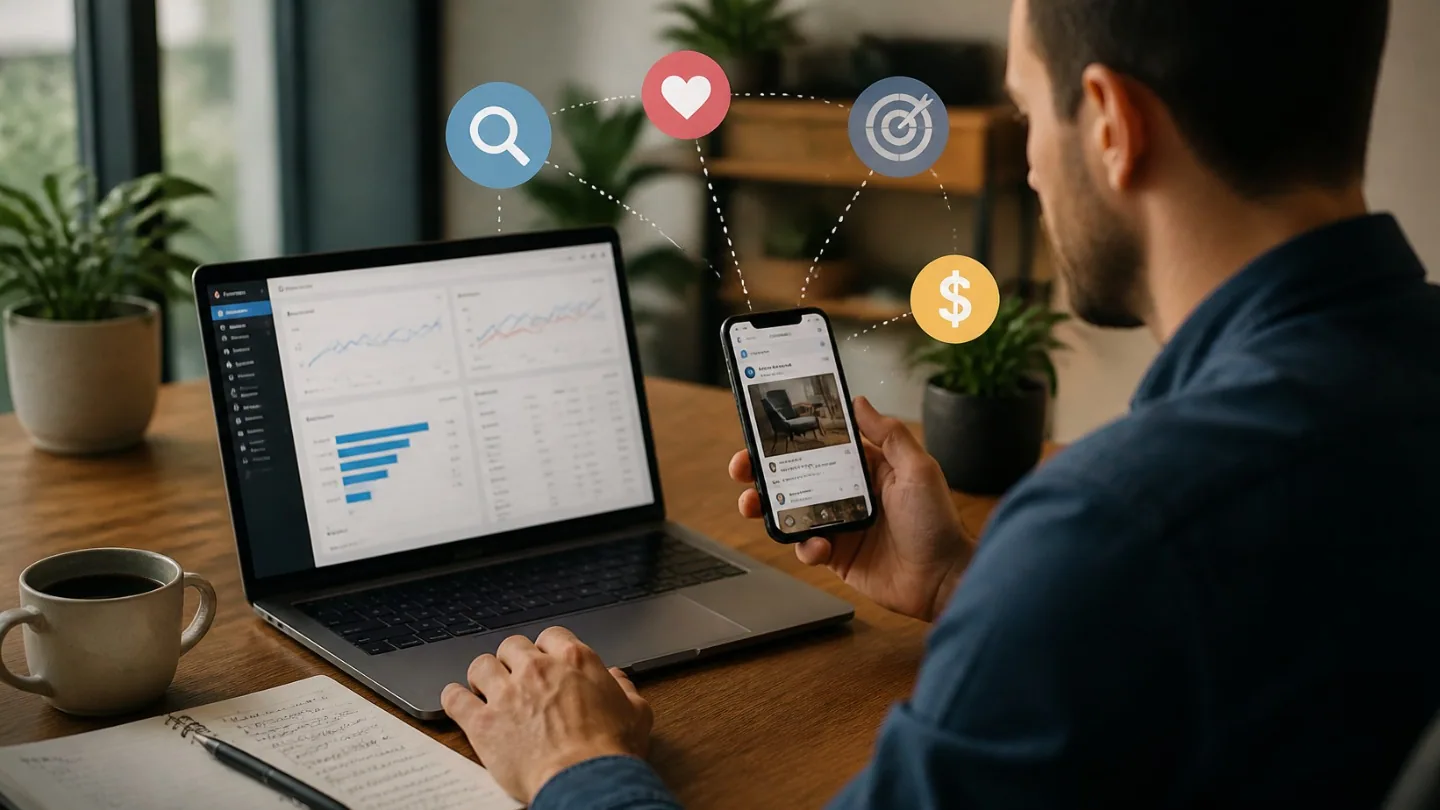
Online marketing
Google Ads or Facebook and Instagram Ads for a small business: how to choose based on the way customers look for you, what to prepare beforehand and how to compare results.

Websites
The difference between a company website and a landing page: what role each one plays, when one on its own is enough, when to use them together and what to ask before requesting a quote.
A page built around a single goal: a quote request, a booking or a sign-up.
View the serviceWe help customers in your area find you on Google Maps and in “near me” searches for the services you offer.
View the serviceEnquiries from forms, email or ads are collected, assessed and sent to the right person.
View the serviceTell us what you need and we will propose a tailored solution, with a clear price.
