
Service · Stock, orders and logistics

Catalogue audit: what’s missing, what’s duplicated and what needs fixing

We analyse your product catalogue and find errors, duplicates and opportunities for improvement.

Indicative pricePrice on request

We set the price once we understand your requirements.

We check the catalogue product by product: titles, attributes, images, categories, duplicates and prices that look out of line. You get a clear list of corrections, ordered by severity.

How it works, step by step

The catalogue is the list of your products with titles, descriptions, photos, categories and prices. Over time, products appear that were entered twice, have no weight or colour filled in, are missing photos or have prices out of line with the rest. An audit means a systematic check: the system goes through all products and you get a list of problems in order of importance, not changes made behind your back.

Illustrative diagram of how it works.
  1. What you tell us

    You give us the catalogue and tell us what hurts

    You send us the catalogue as an export (a file with all products) or give us read access to the platform. You tell us what already bothers you: products rejected by a marketplace, a search that finds nothing or an upcoming move to another platform.

  2. What we prepare

    We define what “correct” means for you

    Together we define the checking rules: which attributes are mandatory for each category, the minimum number of photos, what a good title looks like, what price difference seems suspicious. We also flag the products that must not be touched.

  3. How it works

    We scan the whole catalogue, product by product

    The system goes through the catalogue and flags likely duplicates, missing attributes, missing or too-small photos and prices that fall outside the pattern. What it finds are flags: a likely duplicate is not proof, so nothing is deleted or merged automatically.

  4. What you get

    A prioritised report and confirmed fixes

    You receive a report with problems grouped by type and ordered by severity and by how much they could block publishing or finding products. Bulk fixes are made only for the groups you confirm, and before any change a copy of the old values is kept.

Illustrative example: how it could work

Imagine a tool shop with 3,000 products that is about to move to another platform. The audit finds 120 products with no weight, 45 pairs of products that look like duplicates and 200 with no main photo. The owner confirms the bulk completion of weights, but checks the duplicates personally, because some are actually different variants of the same product.

The audit flags issues, but it cannot be certain they are actually mistakes: the decision to delete, merge or rewrite a product rests with the business. The quality of the result depends on the data we receive and the access we have. We do not promise higher sales or that a marketplace will accept your products: each platform applies its own rules.

Proven experience

We have already built something similar

Discover real products and projects we have delivered, with detailed presentations.

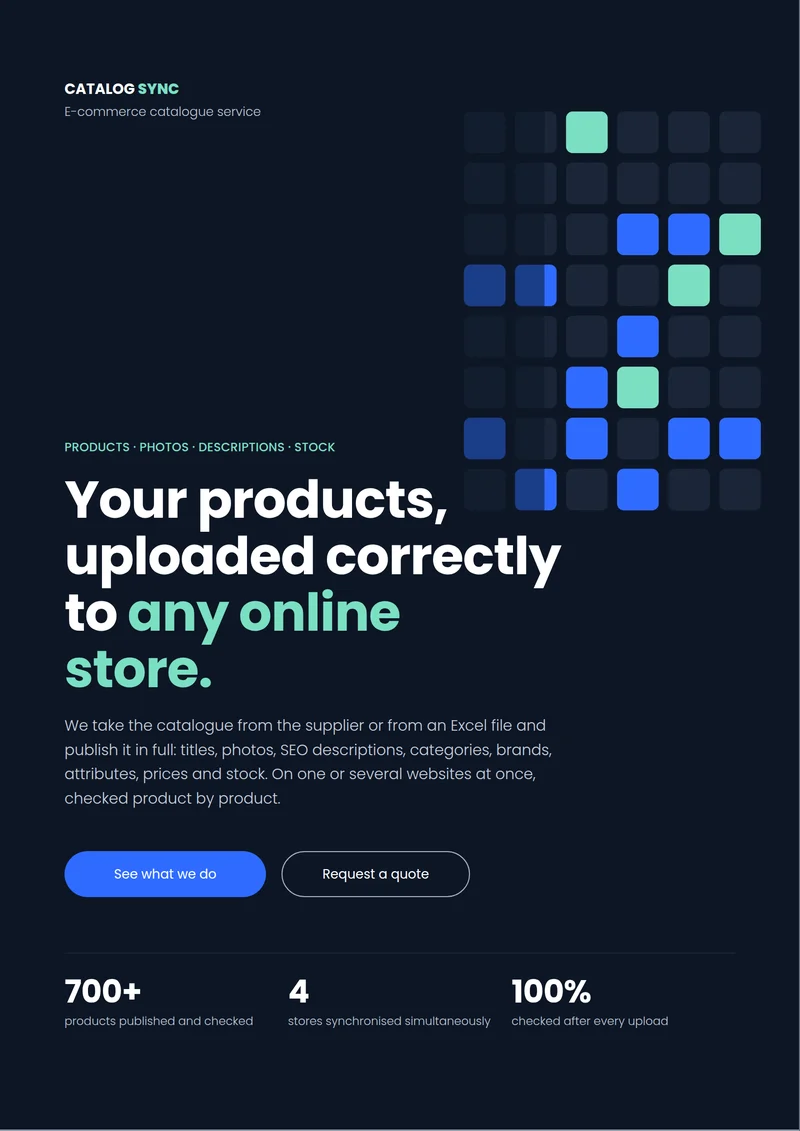
First page of the Catalog Sync presentation
Product developed by us

Catalog Sync

Products, photos, descriptions and stock on any online shop

E-commerce catalogue service: your products listed correctly on any online shop, with photos, SEO descriptions, categories, brands, attributes, prices and stock from your inventory system. We work on WooCommerce, Shopify, PrestaShop, OpenCart, Magento or via CSV/Excel import.

Who it is for

Stores with hundreds or thousands of products where data quality has degraded over time, or where a migration or integration is coming up.

What it solves

  • Duplicate products or products with missing attributes.
  • Unclear categories that make searching harder.
  • Poor data that blocks publishing on marketplaces.

What is included

  • Automated analysis of the entire catalogue
  • Report with issues grouped by type
  • Prioritisation by severity and impact on publishing
  • Bulk corrections, only after your confirmation

Examples of use

Before a migration

The catalogue is cleaned up before moving to a new platform.

Products rejected by a marketplace

Missing attributes that may cause rejection are identified and filled in bulk, after your confirmation.

Related services

Let's talk

Interested in Catalogue audit?

Tell us what you need and we will propose a tailored solution, with a clear price.

CallRequest a quote