 Own product
Catalog Sync Products, photos, descriptions and stock on any online shop
E-commerce catalogue service: your products listed correctly on any online shop, with photos, SEO descriptions, categories, brands, attributes, prices and stock from your inventory system. We work on WooCommerce, Shopify, PrestaShop, OpenCart, Magento or via CSV/Excel import.
Packages: Start, Multi-site or Subscription.
Catalog Sync, page by page
6 pages. Below each page you will find its text, so you can read it on your phone too.
Page 1 / 6 Read the page text
Catalog Sync — E-commerce catalogue service
Products · Photos · Descriptions · Stock
Your products, uploaded correctly to any online store.
We take the catalogue from the supplier or from an Excel file and publish it in full: titles, photos, SEO descriptions, categories, brands, attributes, prices and stock. On one or several websites at once, checked product by product.
- 700+ — products published and checked
- 4 — stores synchronised simultaneously
- 100% — checked after every upload
Page 2 / 6 Read the page text
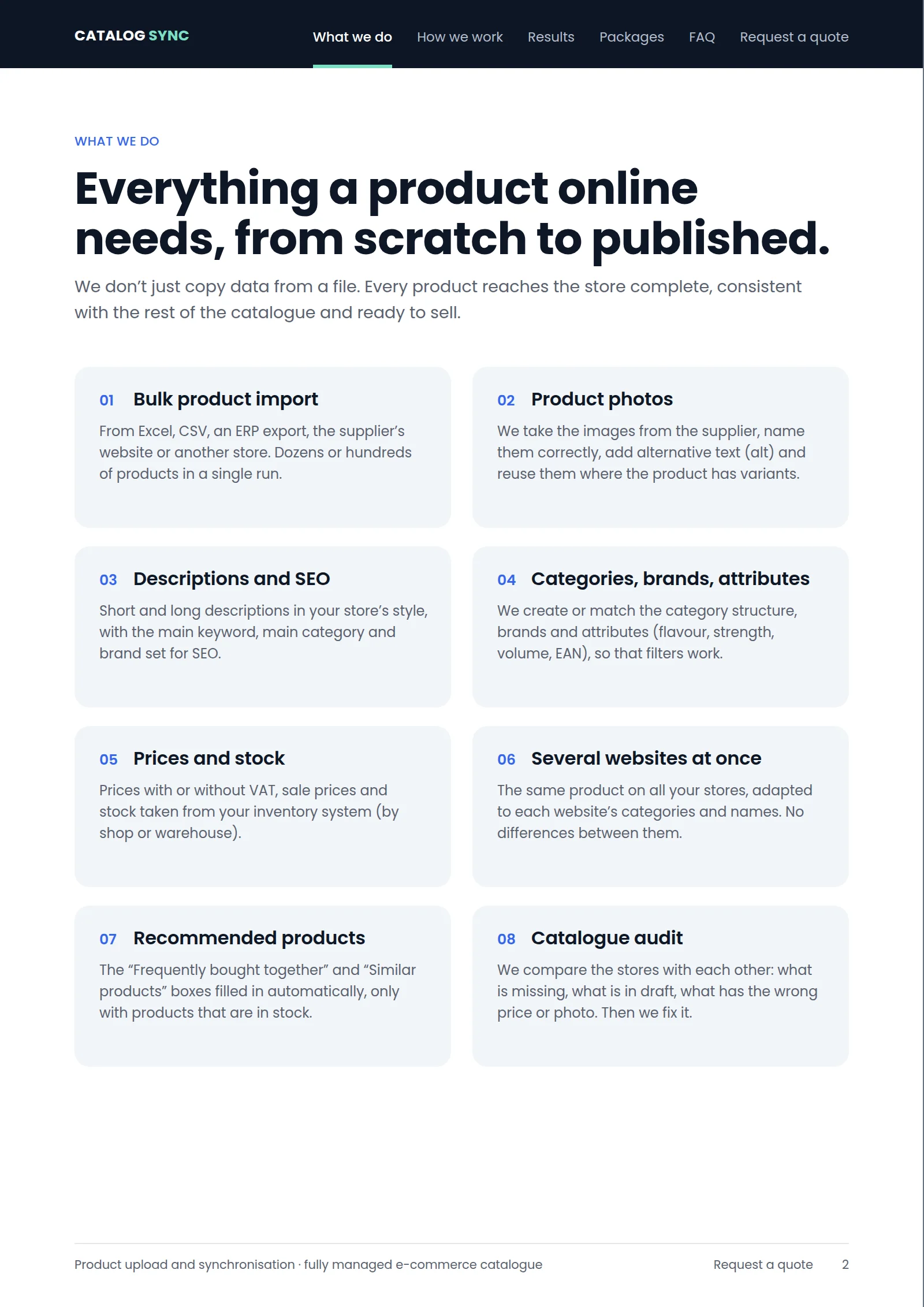
What we do
Everything a product online needs, from scratch to published.
We don’t just copy data from a file. Every product reaches the store complete, consistent with the rest of the catalogue and ready to sell.
01 Bulk product import
From Excel, CSV, an ERP export, the supplier’s website or another store. Dozens or hundreds of products in a single run.
02 Product photos
We take the images from the supplier, name them correctly, add alternative text (alt) and reuse them where the product has variants.
03 Descriptions and SEO
Short and long descriptions in your store’s style, with the main keyword, main category and brand set for SEO.
04 Categories, brands, attributes
We create or match the category structure, brands and attributes (flavour, strength, volume, EAN), so that filters work.
05 Prices and stock
Prices with or without VAT, sale prices and stock taken from your inventory system (by shop or warehouse).
06 Several websites at once
The same product on all your stores, adapted to each website’s categories and names. No differences between them.
07 Recommended products
The “Frequently bought together” and “Similar products” boxes filled in automatically, only with products that are in stock.
08 Catalogue audit
We compare the stores with each other: what is missing, what is in draft, what has the wrong price or photo. Then we fix it.
Page 3 / 6 Read the page text
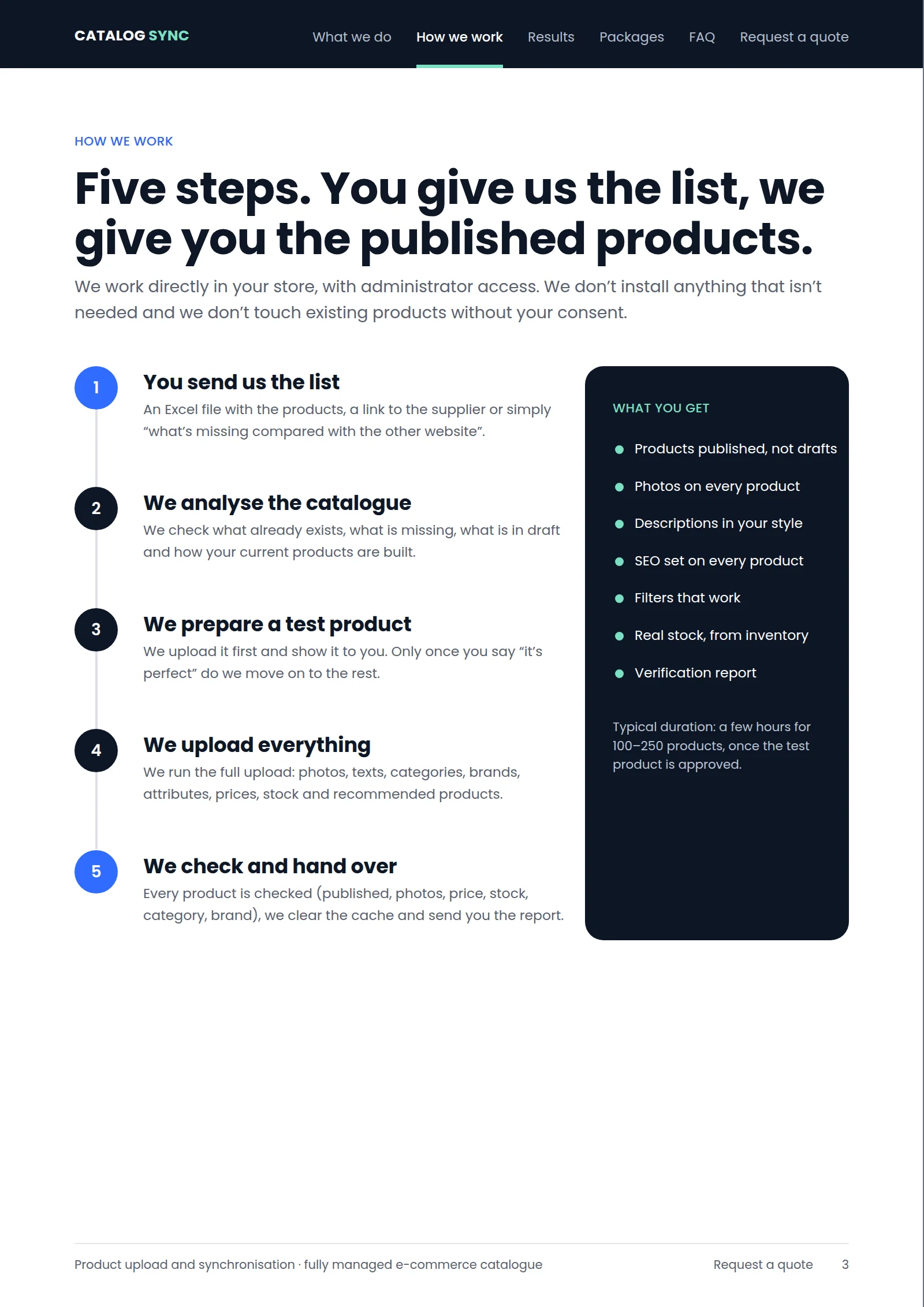
How we work
Five steps. You give us the list, we give you the published products.
We work directly in your store, with administrator access. We don’t install anything that isn’t needed and we don’t touch existing products without your consent.
1. You send us the list
An Excel file with the products, a link to the supplier or simply “what’s missing compared with the other website”.
2. We analyse the catalogue
We check what already exists, what is missing, what is in draft and how your current products are built.
3. We prepare a test product
We upload it first and show it to you. Only once you say “it’s perfect” do we move on to the rest.
4. We upload everything
We run the full upload: photos, texts, categories, brands, attributes, prices, stock and recommended products.
5. We check and hand over
Every product is checked (published, photos, price, stock, category, brand), we clear the cache and send you the report.
What you get
- Products published, not drafts
- Photos on every product
- Descriptions in your style
- SEO set on every product
- Filters that work
- Real stock, from your inventory system
- Verification report
Typical duration: a few hours for 100–250 products, once the test product is approved.
Page 4 / 6 Read the page text
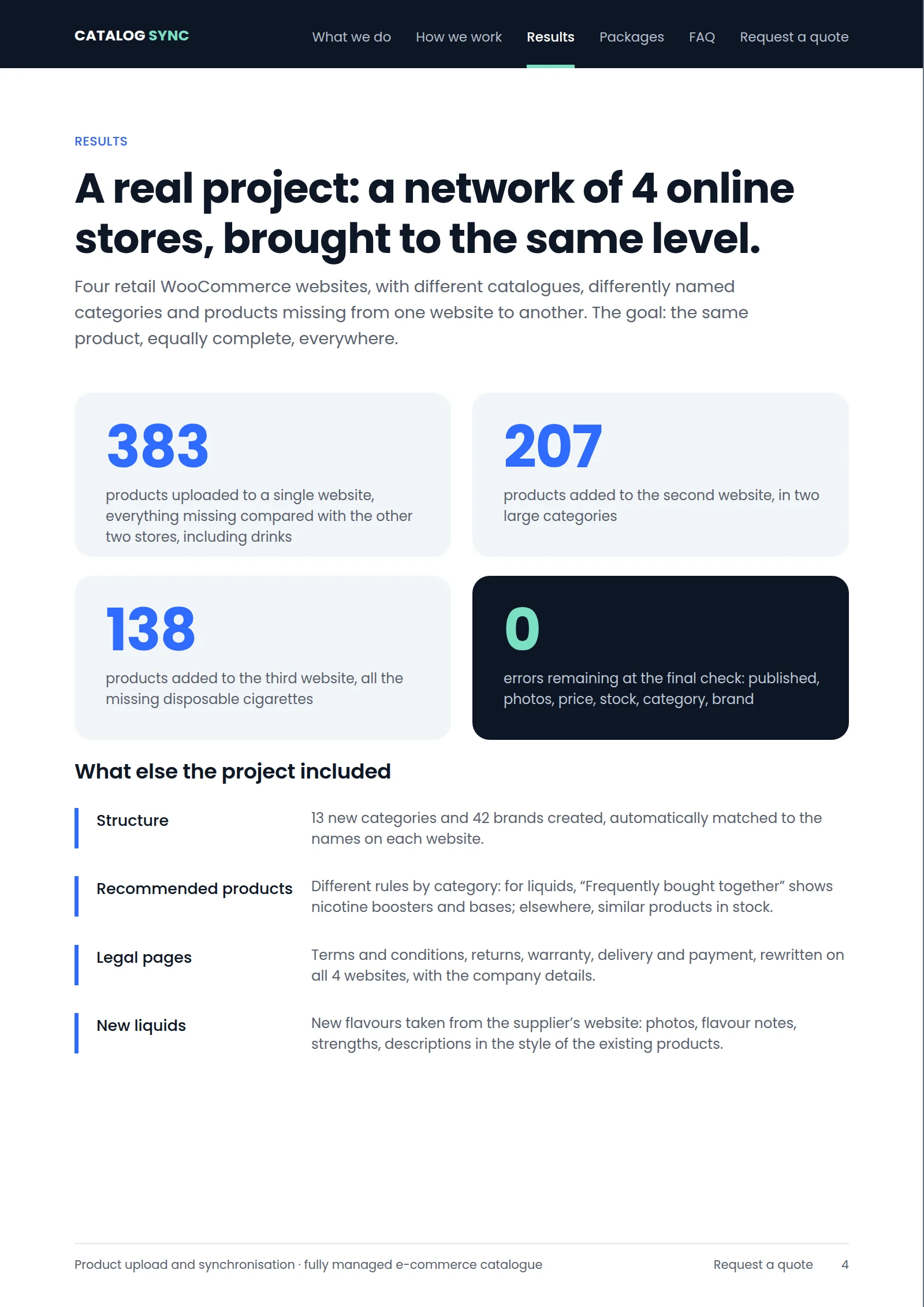
Results
A real project: a network of 4 online stores, brought to the same level.
Four retail WooCommerce websites, with different catalogues, differently named categories and products missing from one website to another. The goal: the same product, equally complete, everywhere.
- 383 — products uploaded to a single website, everything missing compared with the other two stores, including drinks
- 207 — products added to the second website, in two large categories
- 138 — products added to the third website, all the missing disposable cigarettes
- 0 — errors remaining at the final check: published, photos, price, stock, category, brand
What else the project included
- Structure — 13 new categories and 42 brands created, automatically matched to the names on each website.
- Recommended products — Different rules by category: for liquids, “Frequently bought together” shows nicotine boosters and bases; elsewhere, similar products in stock.
- Legal pages — Terms and conditions, returns, warranty, delivery and payment, rewritten on all 4 websites, with the company details.
- New liquids — New flavours taken from the supplier’s website: photos, flavour notes, strengths, descriptions in the style of the existing products.
Page 5 / 6 Read the page text
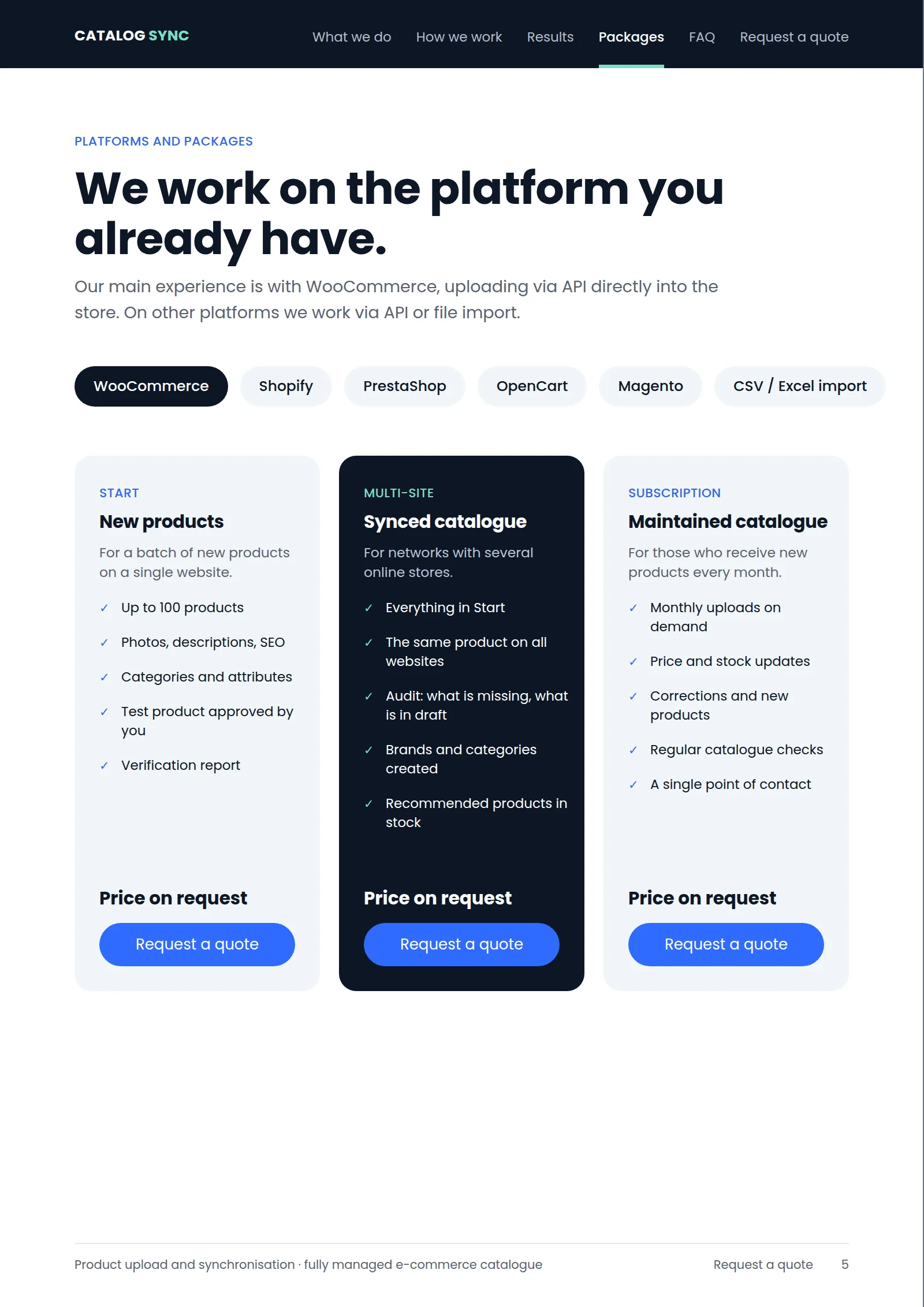
Platforms and packages
We work on the platform you already have.
Our main experience is with WooCommerce, uploading via API directly into the store. On other platforms we work via API or file import.
- WooCommerce
- Shopify
- PrestaShop
- OpenCart
- Magento
- CSV / Excel import
Start — New products
For a batch of new products on a single website.
- Up to 100 products
- Photos, descriptions, SEO
- Categories and attributes
- Test product approved by you
- Verification report
Price on request
Multi-site — Synchronised catalogue
For networks with several online stores.
- Everything in Start
- The same product on all websites
- Audit: what is missing, what is in draft
- Brands and categories created
- Recommended products in stock
Price on request
Subscription — Maintained catalogue
For those who receive new products every month.
- Monthly uploads on demand
- Price and stock updates
- Corrections and new products
- Regular catalogue checks
- A single point of contact
Price on request
Page 6 / 6 Read the page text
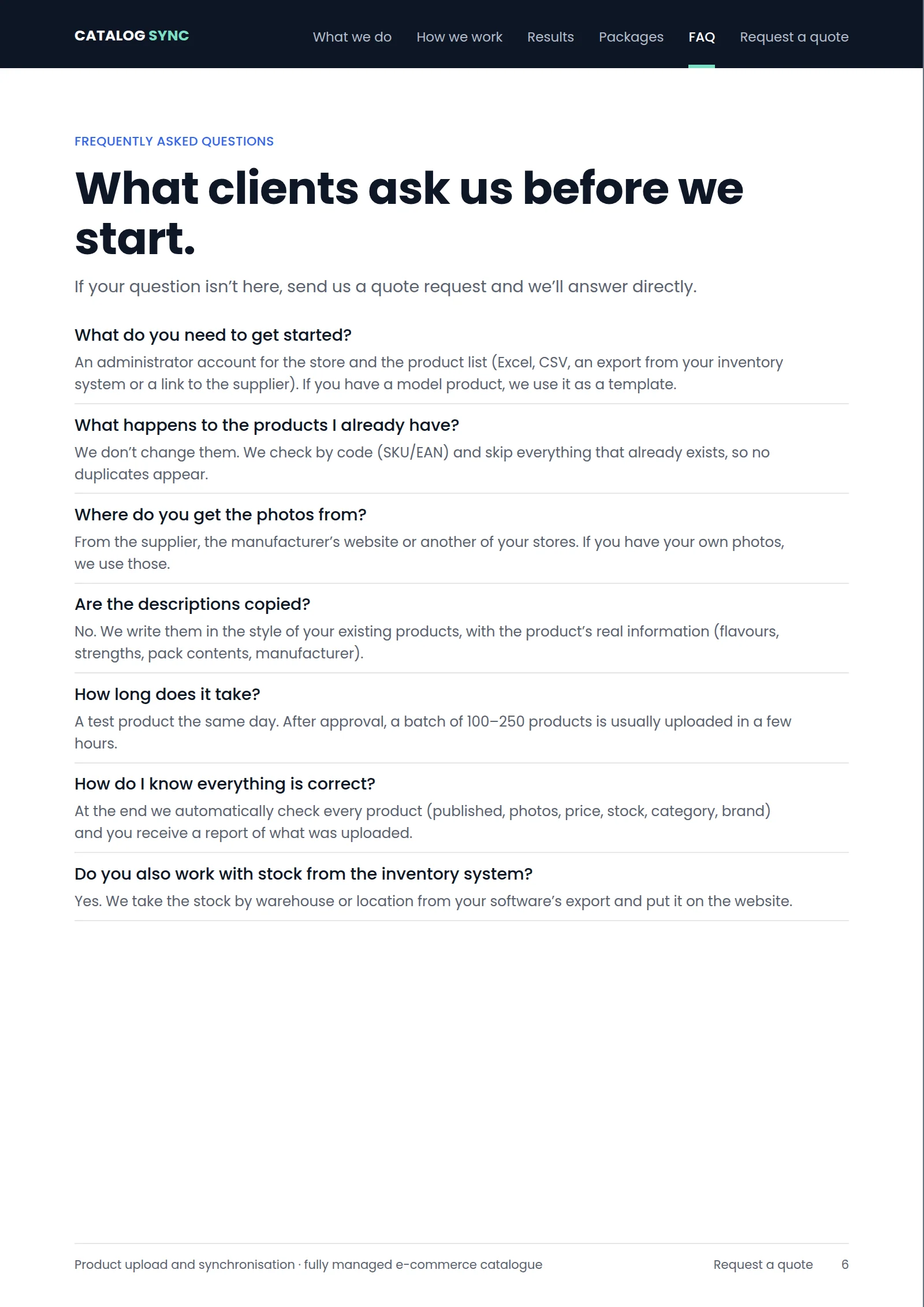
Frequently asked questions
What clients ask us before we start.
If your question isn’t here, send us a quote request and we’ll answer directly.
What do you need to get started?
An administrator account for the store and the product list (Excel, CSV, an export from your inventory system or a link to the supplier). If you have a model product, we use it as a template.
What happens to the products I already have?
We don’t change them. We check by code (SKU/EAN) and skip everything that already exists, so no duplicates appear.
Where do you get the photos from?
From the supplier, the manufacturer’s website or another of your stores. If you have your own photos, we use those.
Are the descriptions copied?
No. We write them in the style of your existing products, with the product’s real information (flavours, strengths, pack contents, manufacturer).
How long does it take?
A test product the same day. After approval, a batch of 100–250 products is usually uploaded in a few hours.
How do I know everything is correct?
At the end we automatically check every product (published, photos, price, stock, category, brand) and you receive a report of what was uploaded.
Do you also work with stock from the inventory system?
Yes. We take the stock by warehouse or location from your software’s export and put it on the website.
