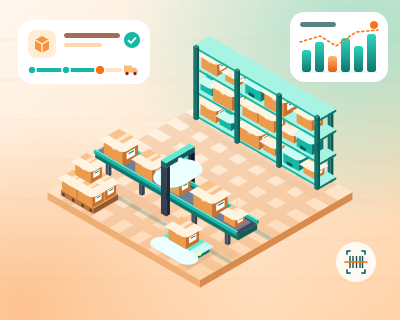
Store plus marketplace
Orders arrive in a single list, and the team packs parcels in the same order.
Orders from your store, marketplaces, delivery apps (where access is available) and phone go into a single worklist.
We set the price once we understand your requirements.
Orders from connected channels are collected in one place, with the same structure and status, and duplicates are recognised by their source number. The team processes from one list rather than several platforms, and an order can be passed on for invoicing and shipping if the invoicing software or courier allows a connection.
If you sell on your website, on a marketplace and by phone, orders end up in different places: a dashboard, an app, a notebook. Someone has to check each one in turn, and an order can be forgotten. The service gathers orders into a single work list, with the same structure for all of them, so your team can process everything from one place.
You list your channels: the online store, the marketplaces, a delivery app if you use one, plus orders received by phone or message. You tell us who processes them today and where most of the mix-ups happen.
We connect the channels that allow it via API and prepare a simple form for orders taken by phone. We define the statuses an order goes through (new, in preparation, shipped) and the checks required before invoicing or delivery.
Each order appears in the list with its source and its own number, so you know where it came from. If the same order arrives twice, the system recognises it by the source number and shows it only once. When the invoice or AWB (shipping label) can be generated, the order can be passed on, but only if your invoicing software or courier allows a connection.
The team works from the same list, with filters by channel and status, and you can see how many orders came in today. The status is sent back to the original channel only where the platform supports it, and problem orders are flagged for review.
Imagine a restaurant that takes orders on its website, through a delivery app (for example Glovo) and by phone. If Glovo or another app provides API access and the contract allows it, its orders land in the same list as the website orders, while phone orders are entered into a form by the waiter. An order sent twice by the app appears only once, with its source noted.
Which channels can be connected depends on each platform’s API, contract and permissions: some do not allow orders to be read, and others require approval. We do not assume existing integrations with Glovo, WooCommerce, PrestaShop or other platforms until we have checked them. An incomplete order, or one without an address, does not move on by itself, but stays for a person to handle.
Retailers with several channels, where processing orders means checking several dashboards a day.
Orders arrive in a single list, and the team packs parcels in the same order.
Entered in a simple form and fed into the same workflow as the rest.
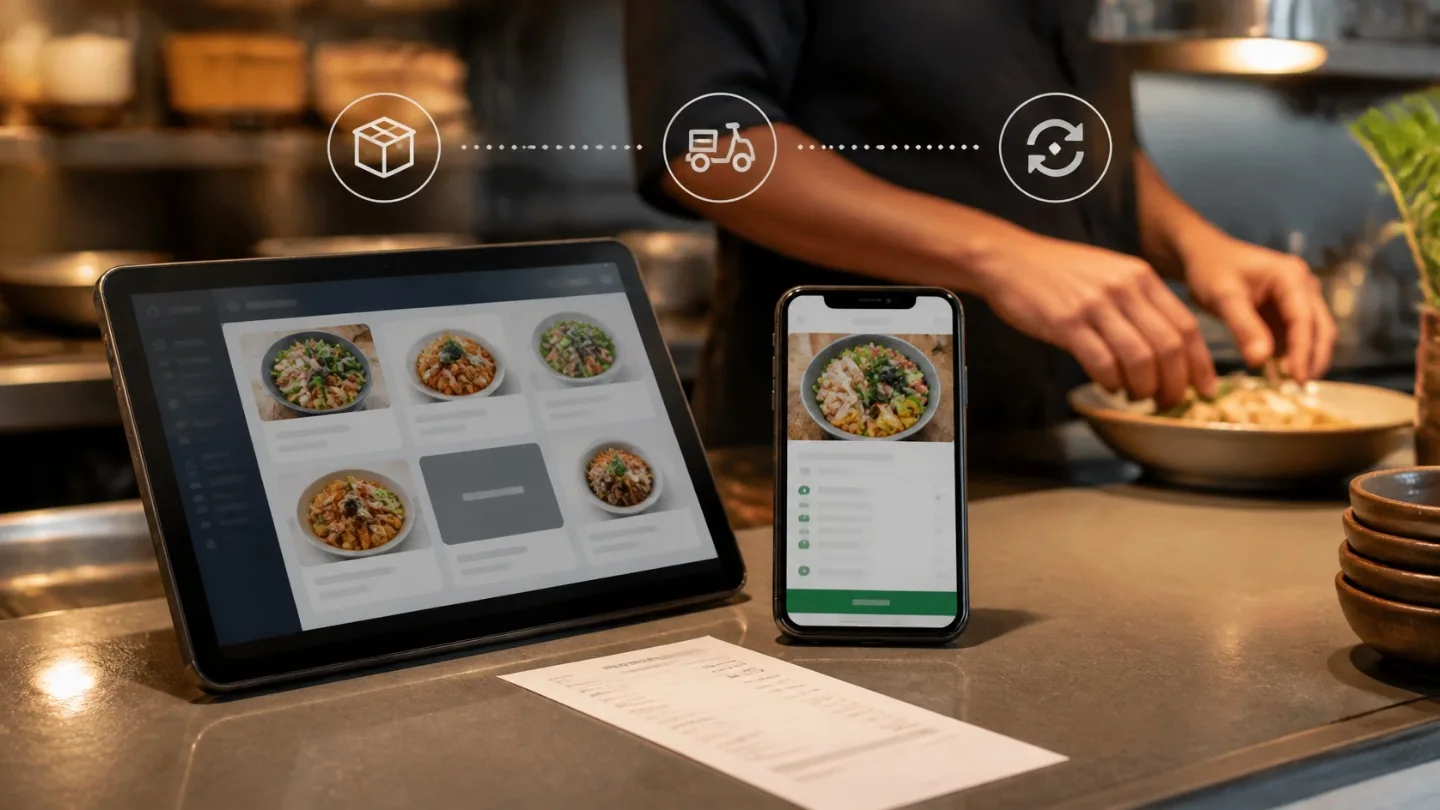
Stock and integrations
How to connect your restaurant POS to Glovo and other delivery apps so you don't receive orders for dishes that have run out: ingredients, thresholds, alerts and the manual procedure.
The AWB is created from the verified order, with the courier chosen according to your rules, if the courier offers an API, and the label is ready to print.
View the serviceYour shop or CRM can issue invoices automatically, and submission to e-Factura (Romania’s national e-invoicing system) is tracked, with alerts on errors.
View the serviceSee what sells, where and, when you have product costs, at what margin, without building reports in spreadsheets.
View the serviceTell us what you need and we will propose a tailored solution, with a clear price.
