
Online store
When payment is confirmed, the invoice is issued and emailed to the customer.
Your shop or CRM can issue invoices automatically, and submission to e-Factura (Romania’s national e-invoicing system) is tracked, with alerts on errors.
We set the price once we understand your requirements.
We connect your programs to SmartBill or Oblio to issue invoices according to approved rules. Where the company has authorised access and the software allows it, we also set up submission via RO e-Factura, with status checks; errors and unclear cases go to an operator.
SmartBill and Oblio are invoicing programs. If you sell through an online shop or a CRM, you probably retype orders into your invoicing software. We connect the programs so that the invoice is prepared from the order data. e-Factura is Romania’s national system through which invoices are submitted electronically via ANAF; submission within a legally correct flow remains subject to the company’s access.
We start from the software where the data is already created: a paid order in an online shop, an active subscription in a CRM or in your own application.
Together we decide when the invoice is issued, with which series and VAT, and how customers and products are matched between systems. The connection is made through the SmartBill or Oblio API, only if the company has access.
Based on the rules, the data reaches SmartBill or Oblio, and the customer can receive the invoice by email. If the data is incomplete, the invoice is not issued based on guesswork.
You see whether the invoice was issued and, where access and the legal workflow allow, whether submission to e-Factura (Romania’s national e-invoicing system) succeeded. A failed invoice is shown with an alert, so a person can correct it.
Imagine an online shop with card payments confirmed. On confirmation, the order reaches the invoicing software with the agreed series and VAT, and the customer receives the invoice by email. An order with an incorrect CUI appears in an error list instead of going into the system.
It only works with software that offers an API and with the company’s permissions, and other platforms are added only if they meet the same conditions. Submission to e-Factura requires the company’s authorisations and a legal workflow approved by the accountant: we do not send anything to ANAF without authorisation. Invoice data contains personal data, so access is granted in line with GDPR. We do not replace your accountant.
Businesses that issue invoices from another program (shop, CRM, custom app) and re-enter them in the invoicing software.
When payment is confirmed, the invoice is issued and emailed to the customer.
Monthly invoices are generated from active contracts, with no manual entry.
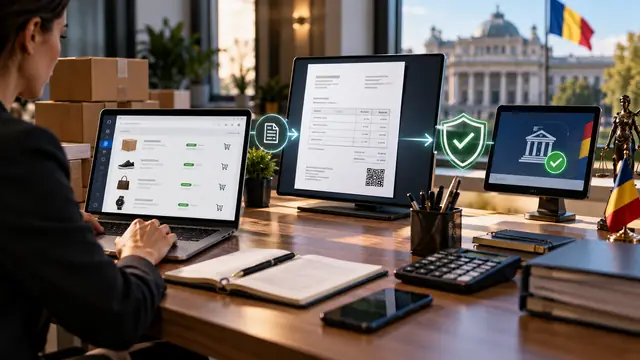
Invoicing and e-Factura
What RO e-Factura is, what the flow from order to submitted invoice looks like, what needs to be prepared, common errors and what can be automated, with the rules checked with ANAF and your accountant.
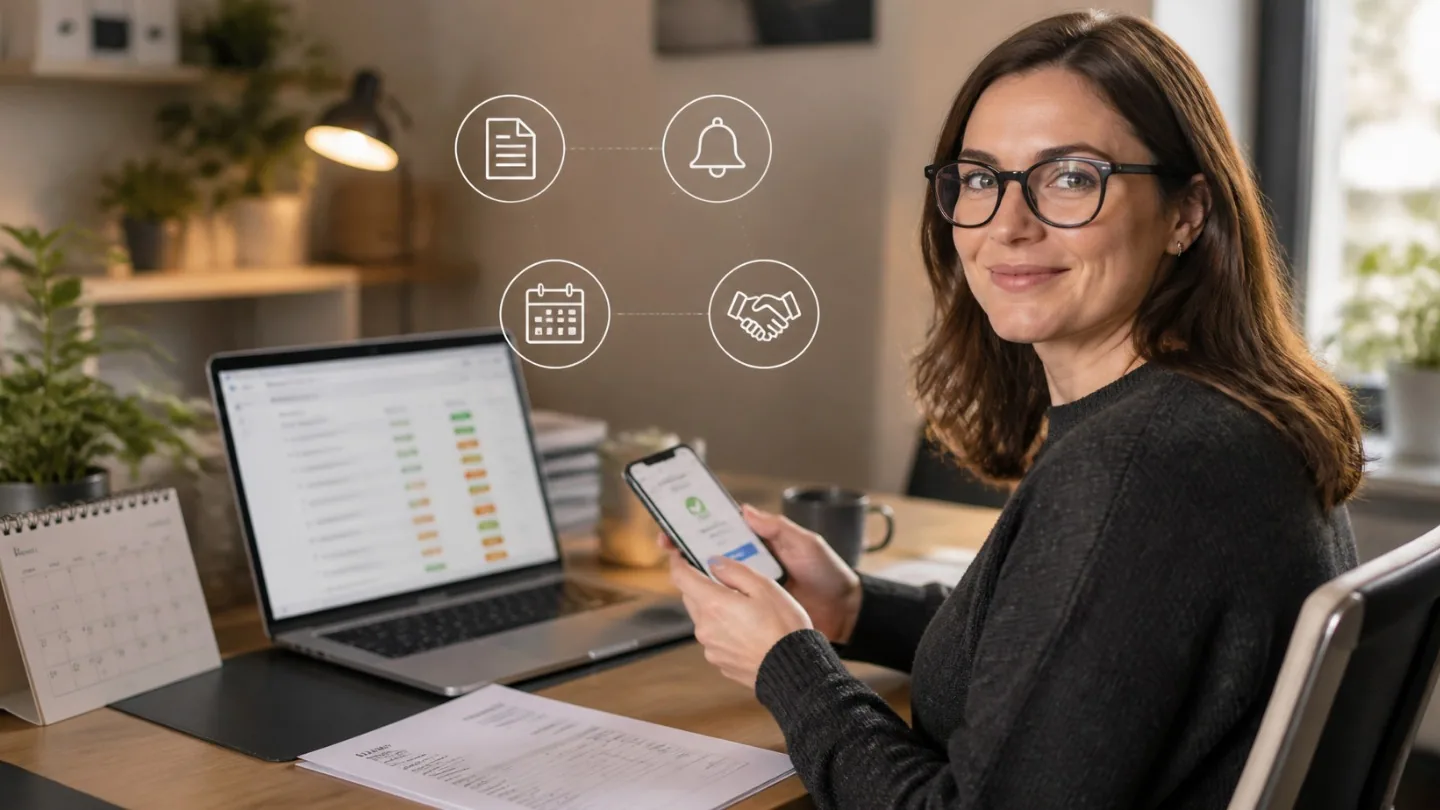
Invoicing and collections
How to track invoices as they fall due and send payment reminders on time: the data you need, the tone of the messages, what can be automated and what stays with a person.
A shop connected to the whole chain: stock, couriers, payments and invoicing without duplicate work.
View the serviceIncoming invoices are read, checked and entered into the accounts without retyping.
View the serviceOrders from your store, marketplaces, delivery apps (where access is available) and phone go into a single worklist.
View the serviceTell us what you need and we will propose a tailored solution, with a clear price.
