The question
I have an online store. What does e-Factura mean for me, and how do I stop sending invoices by hand?
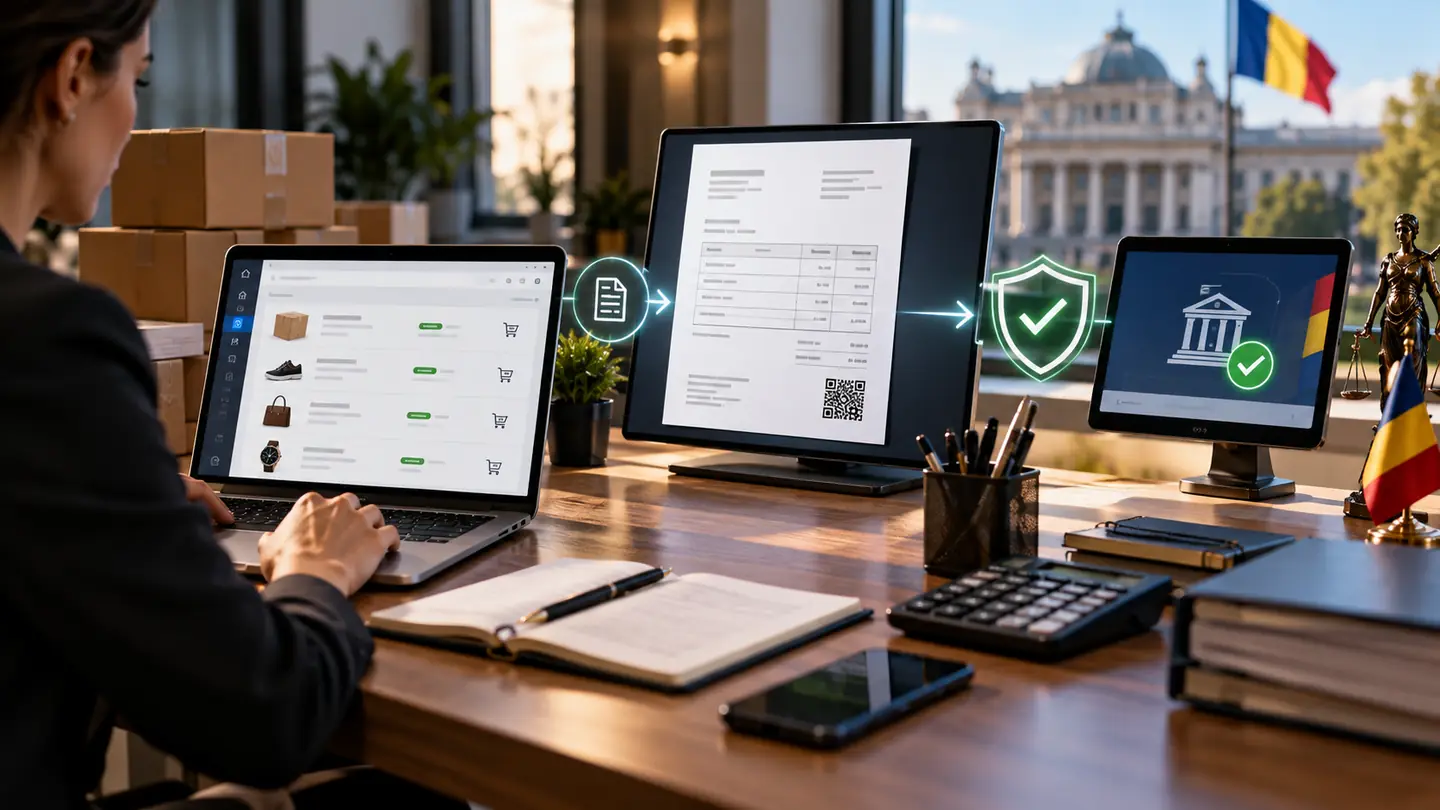
RO e-Factura (Romania’s national e-invoicing system) has changed the way invoices are issued and submitted in Romania. For an online store, the practical question is how each invoice issued for an order reaches the ANAF system correctly, on time and without repeated manual work.
This guide explains the mechanism and the technical steps. It is not tax advice: which invoices fall under the obligation, submission deadlines and any penalties are set by the legislation in force, which has been amended several times. For your company’s situation, check the official ANAF information and talk to your accountant.
If you want us to handle this for you, see our service SmartBill, Oblio and e-Factura integrations or our service Complete online shop.
What RO e-Factura is, in brief
RO e-Factura is the national system administered by ANAF (the Romanian tax authority) through which invoices are sent electronically, in a structured format (XML), not as a PDF. The system validates the file, registers it and makes it available to the recipient, and the issuer receives a response: the invoice has been accepted or has errors.
The PDF invoice you email to the customer can still exist, but the document that matters for the system is the submitted and validated XML file.
What it means for an online store
The obligations were introduced and extended in stages, differently for invoices to companies and to individuals, and the rules have been adjusted along the way. That is why, before any automation, clarify with your accountant:
- which invoices issued by the shop must be submitted to the system (to companies, to individuals, deliveries outside the country);
- within what deadline they must be submitted after issue, according to the rules in force;
- how cancellations, returns and corrected invoices are handled;
- who in the company monitors errors and who has access to the Virtual Private Space (SPV).
The technical flow: from order to validated invoice
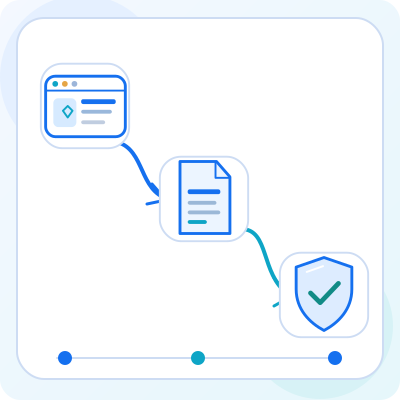
In a well-connected store, invoices are no longer written by hand. The typical flow looks like this:
- The customer places the order in the store, and payment or order confirmation triggers invoicing, according to the agreed rule.
- The invoicing software receives the order data (customer, products, prices, VAT, delivery) and issues the invoice.
- The software generates the XML file in the required format and submits it to e-Factura, using the company’s authorisation.
- The ANAF system validates the file and returns a status: accepted, or rejected with error messages.
- The status is checked automatically, and rejected invoices go to a person, who corrects the data and resubmits.
What needs to be prepared beforehand
Most delays come not from the technology but from access and incomplete data. Check in advance:
- The company’s access to SPV and the authorisation method required for automatic submission (usually based on a qualified digital certificate).
- Invoicing software that supports submission to e-Factura and has an API or an integration with the store platform.
- Correct customer details at checkout: for companies, name and CUI; full address for all customers.
- VAT rates, invoice series, units of measure and product codes configured consistently.
- A designated person who receives the alerts and resolves rejected invoices.
Common errors and how to prevent them
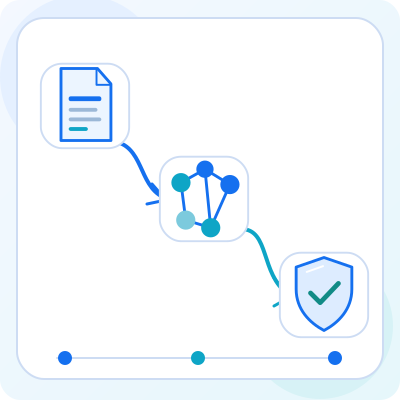
Rejections usually have a few recurring causes. They are worth preventing through the order form and rules, rather than fixing every time:
- Missing or incorrect CUI (company tax ID) for business customers: validate it at checkout, not after the invoice is issued.
- Incomplete address, or county/locality written inconsistently.
- Rounding differences between the shop and the invoicing software on discounts or shipping.
- Wrong VAT rates on products or on shipping.
- Expired authorisation, which stops the submission of all invoices until it is renewed.
- Invoices submitted twice after a manual resubmission.
What can be automated and what stays with people
You can automate issuing the invoice at the chosen event (payment confirmed, order delivered), submission to e-Factura, status checks, sending the invoice to the customer and error alerts. You can also automate retrieving invoices received from suppliers through the system.
Tax decisions, unusual cases (corrections, partial reversals, customers outside the country) and resolving rejections stay with people. Good automation does not hide errors; it brings them quickly to the right person.