 Own product
Stock sync Inventory management software → online shops and Glovo
Stock from the inventory management software flows automatically to all online shops and to Glovo, via export or directly via API. No manual work, no products sold that are no longer in stock. Below is the presentation of the project delivered for a retail network.
Stock sync, page by page
9 pages. Below each page you will find its text, so you can read it on your phone too.
Page 1 / 9 Read the page text
Overview
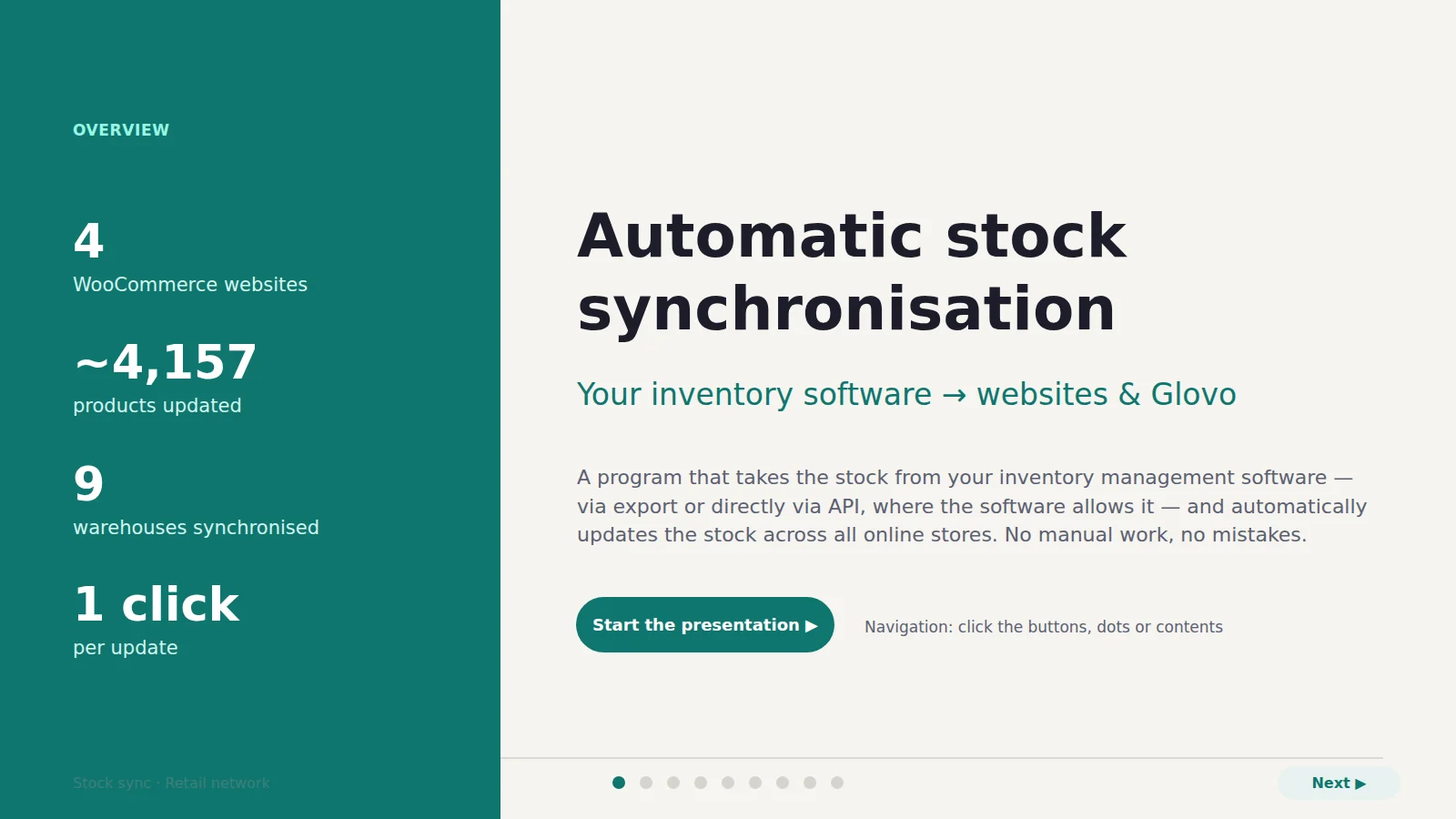
Automatic stock synchronisation
Your inventory management software → websites & Glovo
A program that takes the stock from your inventory management software — via export or directly via API, where the software allows it — and automatically updates the stock across all online stores. No manual work, no mistakes.
- 4 — WooCommerce websites
- ~4,157 — products updated
- 9 — warehouses synchronised
- 1 click — per update
Page 2 / 9 Read the page text
Contents
- 01 The problem
- 02 How it works
- 03 Daily use
- 04 Rules & safety
- 05 Results
- 06 Glovo — in preparation
- 07 What’s next
Page 3 / 9 Read the page text
The problem
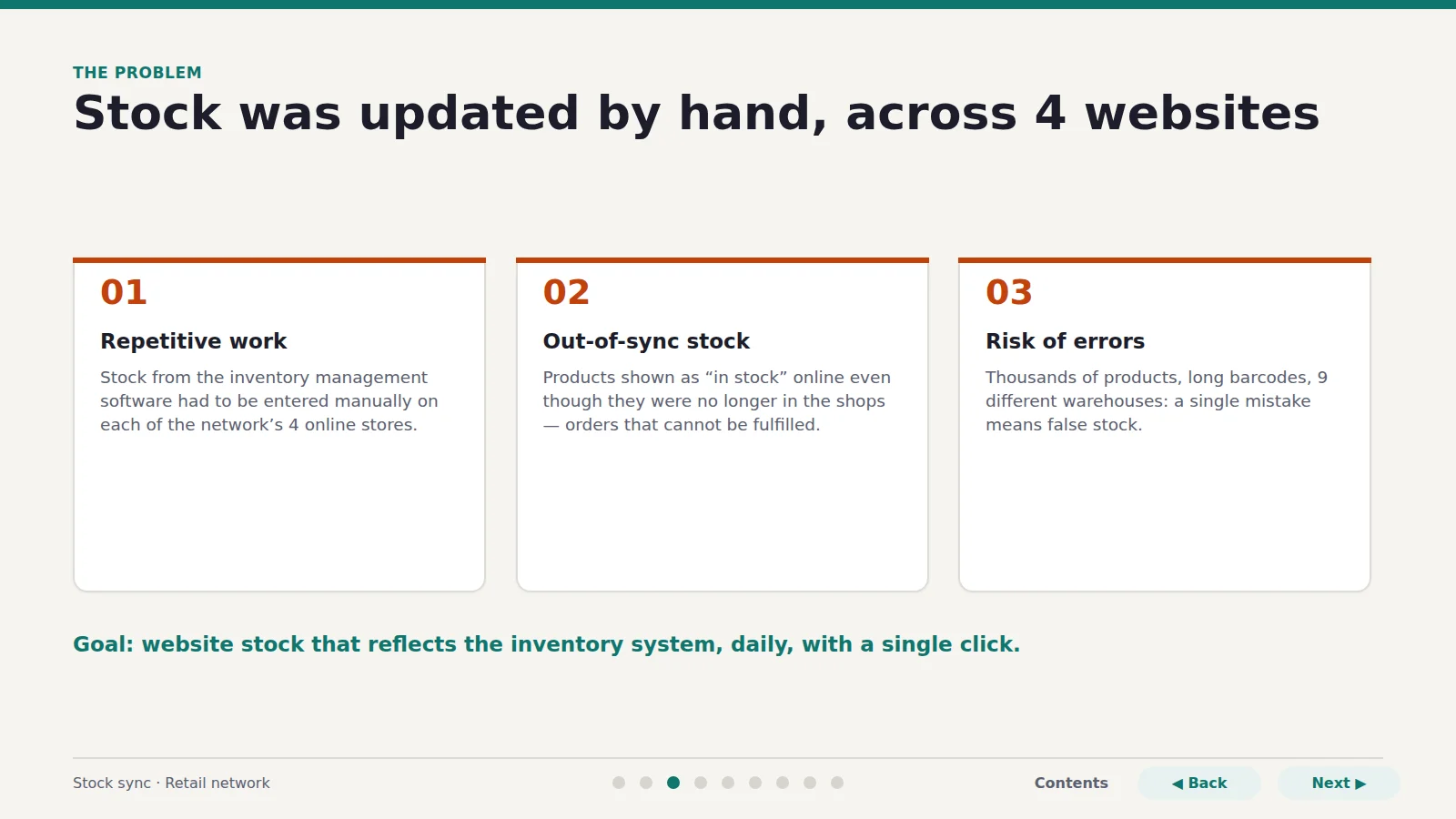
Stock was updated by hand, across 4 websites
01 Repetitive work
Stock from the inventory management software had to be entered manually on each of the network’s 4 online stores.
02 Out-of-sync stock
Products shown as “in stock” online even though they were no longer in the shops — orders that cannot be fulfilled.
03 Risk of errors
Thousands of products, long barcodes, 9 different warehouses: a single mistake means false stock.
Goal: stock on the website should reflect the reality in the inventory system, daily, with a single click.
Page 4 / 9 Read the page text
The solution
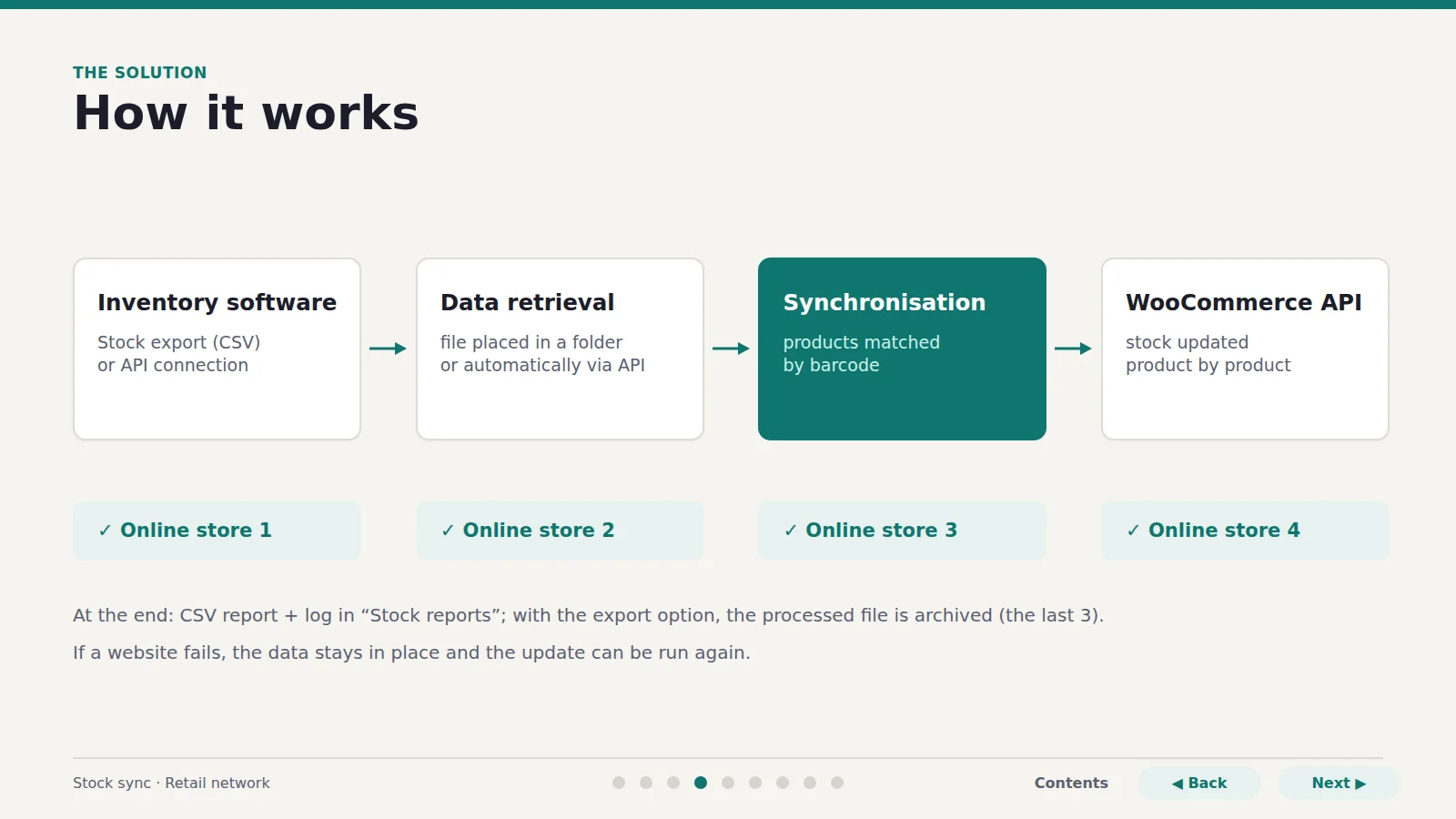
How it works
- Inventory software — stock export (CSV) or API connection
- Data retrieval — file placed in a folder or automatically via API
- Synchronisation — products matched by barcode
- WooCommerce API — stock updated product by product
- Online store 1
- Online store 2
- Online store 3
- Online store 4
At the end: CSV report + log in “Stock reports”; with the export option, the processed file is archived (the last 3).
If a website fails, the data stays in place and the update can be run again.
Page 5 / 9 Read the page text
Daily use
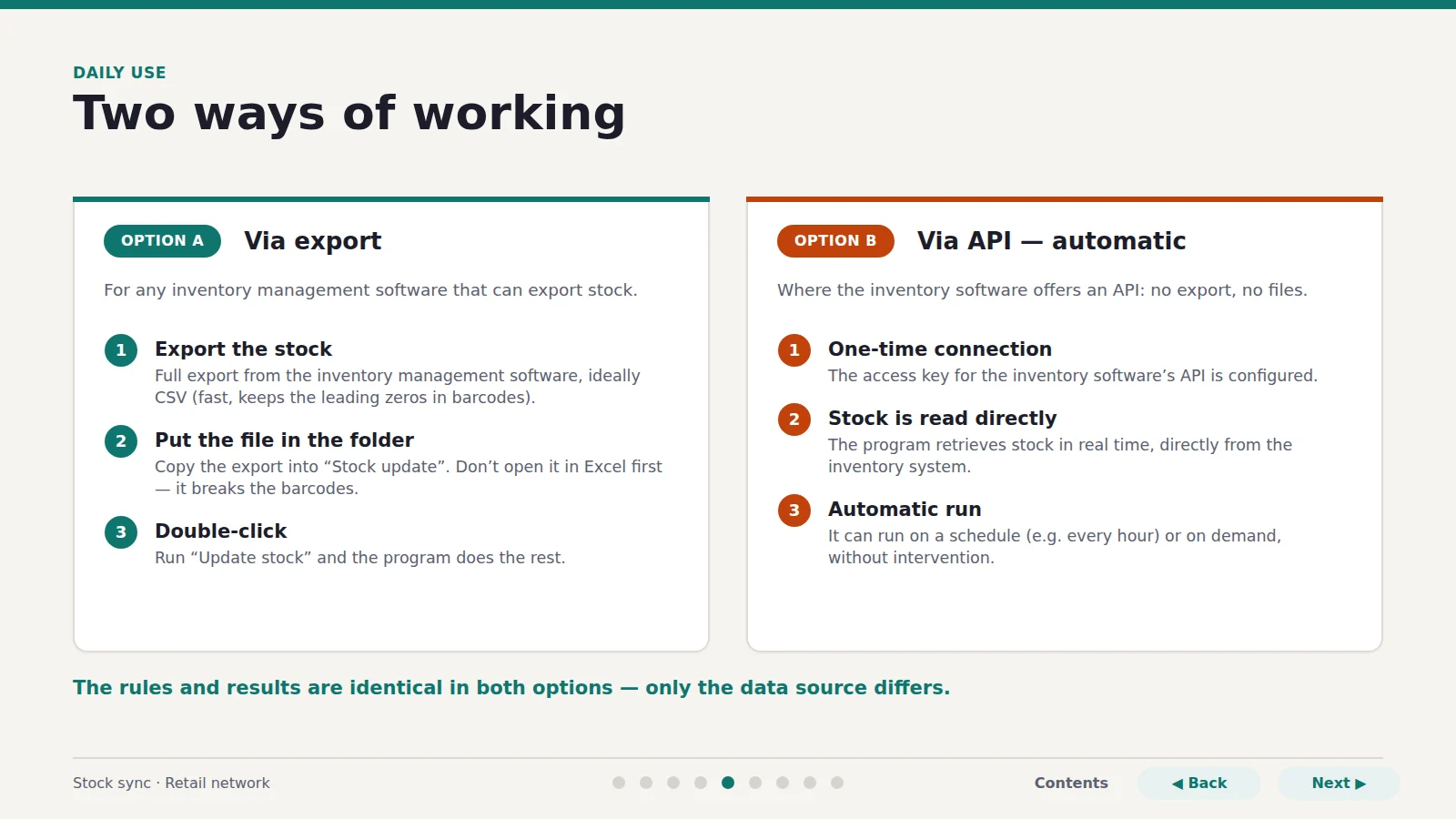
Two ways of working
Option A — Via export
For any inventory management software that can export stock.
- 1. Export the stock — Full export from the inventory management software, ideally CSV (fast, keeps the leading zeros in barcodes).
- 2. Put the file in the folder — Copy the export into “Stock update”. Don’t open it in Excel first — it breaks the barcodes.
- 3. Double-click — Run “Update stock” and the program does the rest.
Option B — Via API — automatic
Where the inventory management software offers an API: no export, no files.
- 1. One-time connection — The access key for the inventory software’s API is configured.
- 2. Stock is read directly — The program retrieves stock in real time, directly from the inventory system.
- 3. Automatic run — It can run on a schedule (e.g. every hour) or on demand, without intervention.
The rules and results are identical in both options — only the data source differs.
Page 6 / 9 Read the page text
What the program guarantees
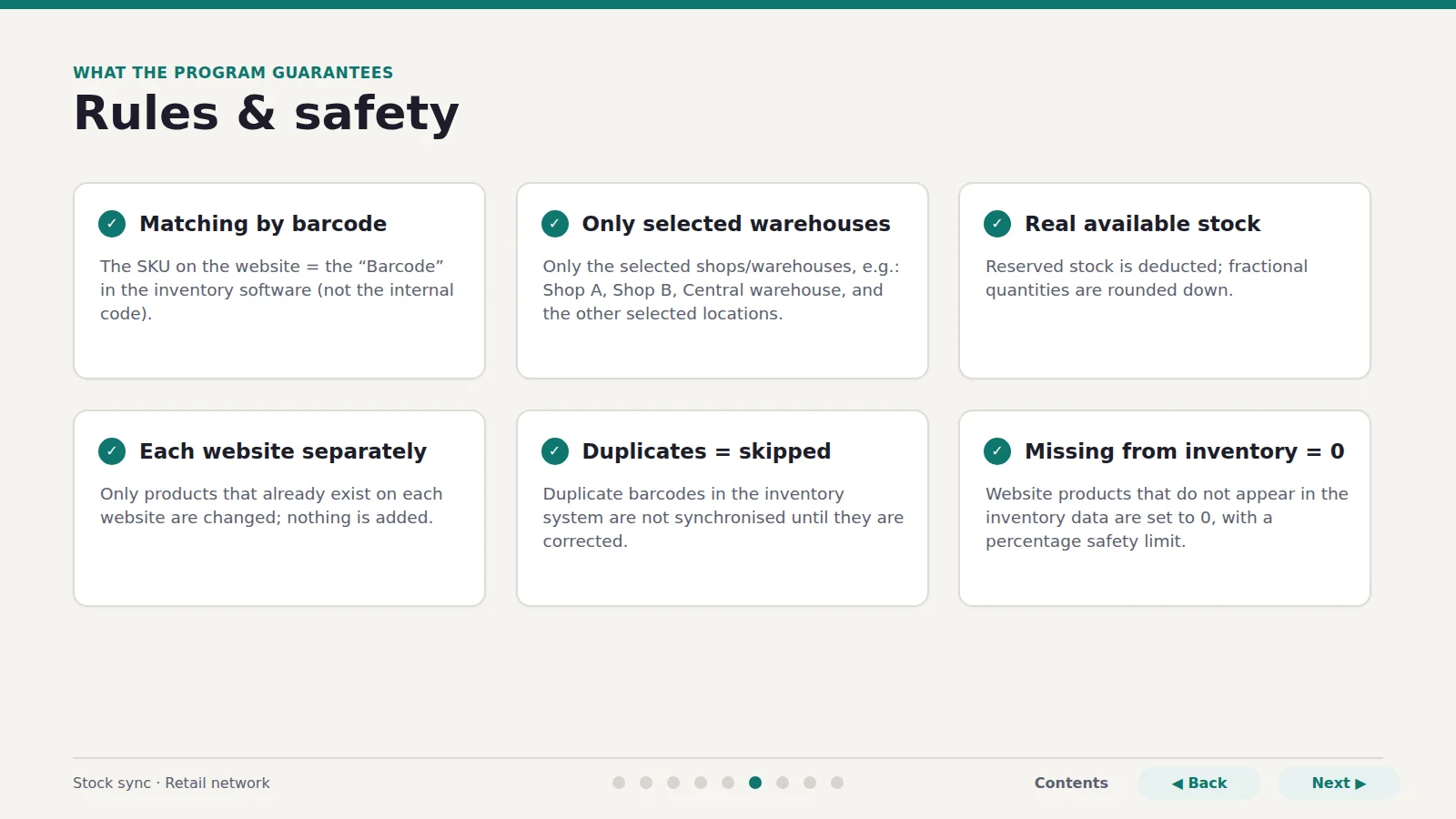
Rules & safety
Matching by barcode
The SKU on the website = the “Barcode” in the inventory management software (not the internal code).
Only the selected warehouses
Only the selected shops/warehouses, e.g.: Shop A, Shop B, Central warehouse, and the other selected locations.
Real available stock
Reserved stock is deducted; fractional quantities are rounded down.
Each website separately
Only products that already exist on each website are changed; nothing is added.
Duplicates = skipped
Duplicate barcodes in the inventory system are not synchronised until they are corrected.
Missing from inventory = 0
Products on the website that do not appear in the inventory data are set to 0, with a percentage safety limit.
Page 7 / 9 Read the page text
First live run
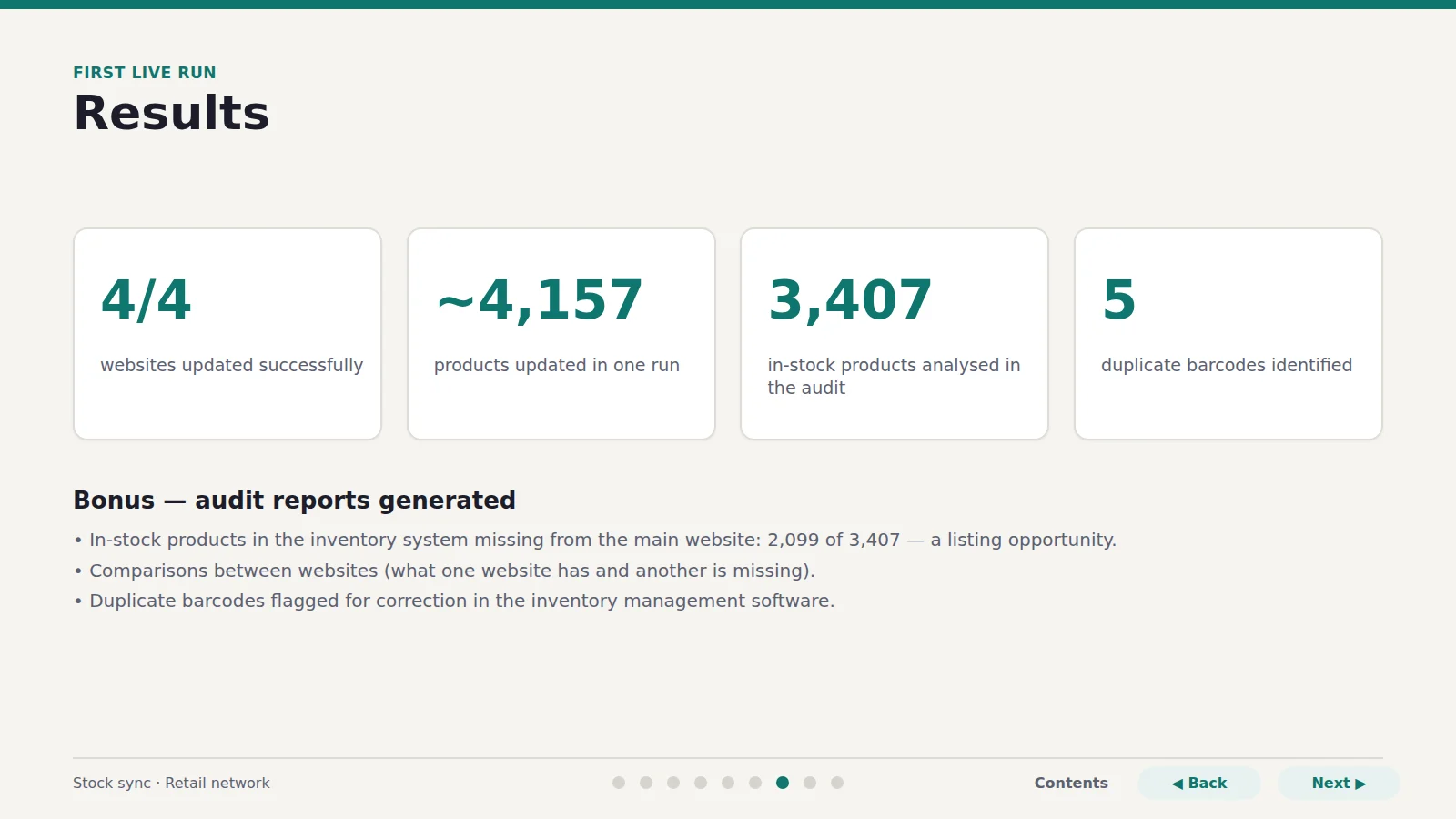
Results
- 4/4 — websites updated successfully
- ~4,157 — products updated in one run
- 3,407 — in-stock products analysed in the audit
- 5 — duplicate barcodes identified
Bonus — audit reports generated
- In-stock products in the inventory system missing from the main website: 2,099 of 3,407 — a listing opportunity.
- Comparisons between websites (what one website has and another is missing).
- Duplicate barcodes flagged for correction in the inventory management software.
Page 8 / 9 Read the page text
Expansion
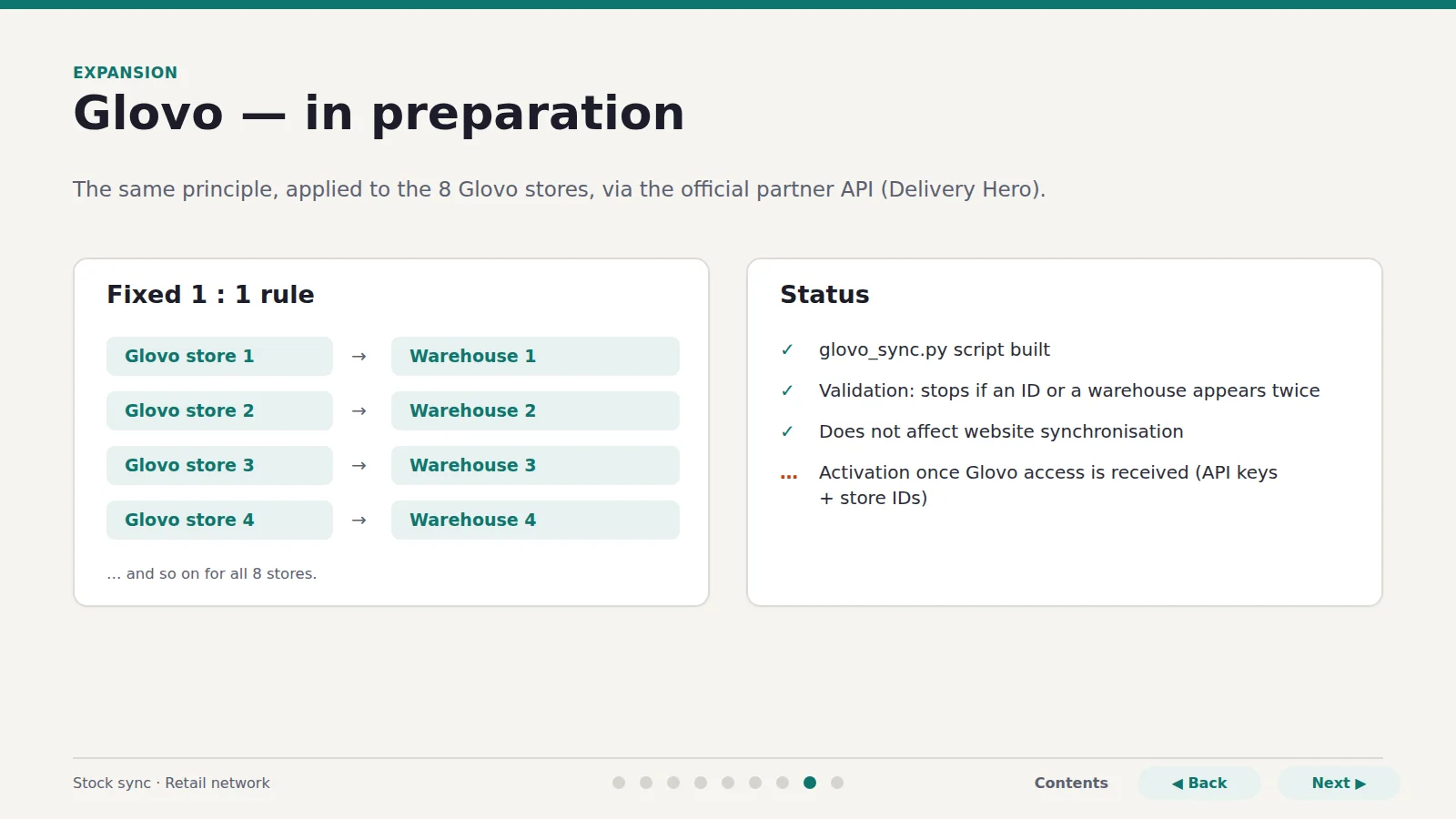
Glovo — in preparation
The same principle, applied to the 8 Glovo stores, via the official partner API (Delivery Hero).
Fixed 1 : 1 rule
- Glovo store 1 → Warehouse 1
- Glovo store 2 → Warehouse 2
- Glovo store 3 → Warehouse 3
- Glovo store 4 → Warehouse 4
… and so on for all 8 stores.
Status
- glovo_sync.py script built
- Validation: stops if an ID or a warehouse appears twice
- Does not affect website synchronisation
- Activation once Glovo access is received (API keys + store IDs)
Page 9 / 9 Read the page text
Roadmap
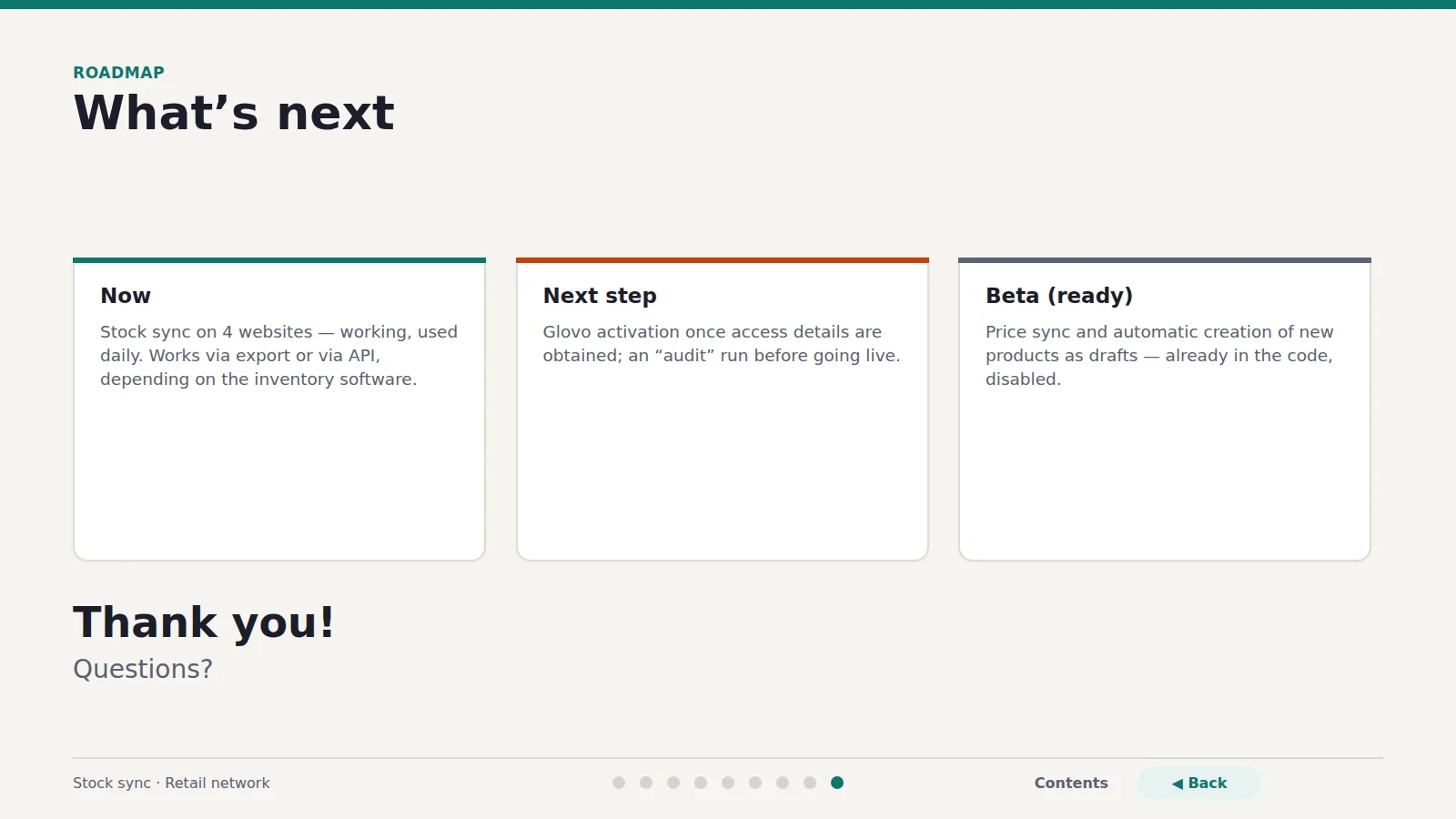
What’s next
Now
Stock sync on 4 websites — working, used daily. Works via export or via API, depending on the inventory management software.
Next step
Glovo activation once access details are obtained; an “audit” run before going live.
Beta (ready)
Price sync and automatic creation of new products as drafts — already in the code, disabled.
Thank you!
Questions?
